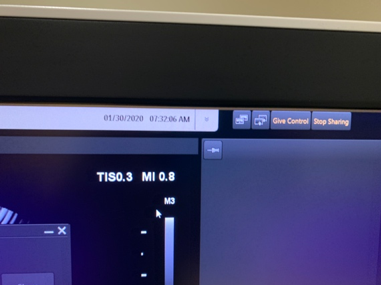
Telemedicine over U/S Machine
- Start the exam and scan as you normally do
- Jazzmine will then let you know when Dr. Ruma is ready, where you will then follow the steps below:
- Flip up the cover for the camera located at the top of the EPIQ
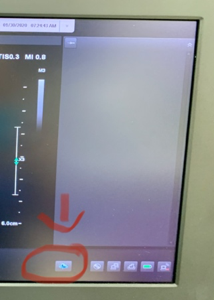
- Click on the cloud with the phon in the bottom right corner of the screen
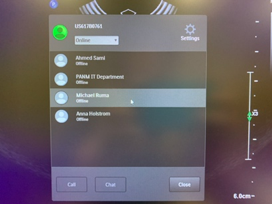
- Highlight Dr. Ruma and push call
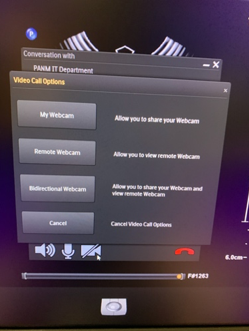
- Once Dr. Ruma answers the call, click on the video camera
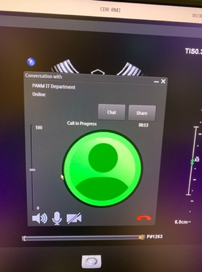
- Click on the Bidirectional webcam
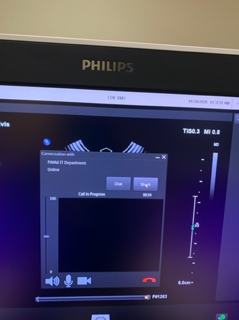
- Now click Share
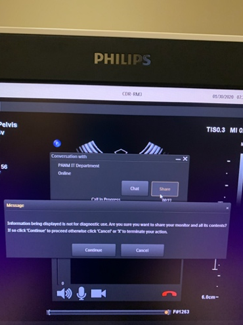
- Continue
- Click Give control (located in the upper right corner)